QuickBooks Invoice Scam: How Cybercriminals Exploit Free Accounts to Steal Your Money
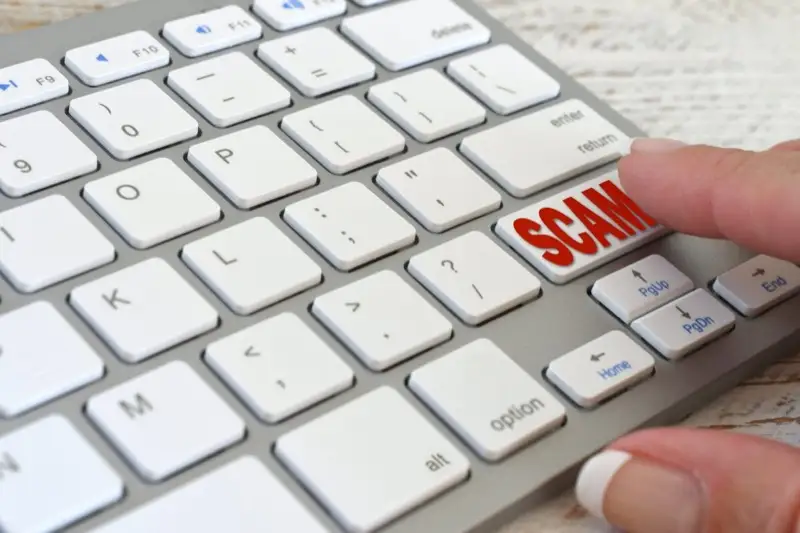
QuickBooks is one of the most popular accounting software platforms in the world, offering free accounts to individuals and businesses alike. Millions of organisations rely on QuickBooks to track invoices, manage expenses, and keep their finances in order. Unfortunately, cybercriminals have found a way to exploit this trusted platform to run a "business" of their own -- one that targets your credit card details.
How the Scam Works
In this increasingly common scam, cybercriminals create a free QuickBooks account and use the associated email address to send you what appears to be a legitimate invoice. Because the email originates from a genuine QuickBooks domain, it often passes through spam filters and lands directly in your inbox, looking entirely authentic.
The phishing email typically impersonates a reputable organisation such as Norton, Microsoft, or McAfee. It displays a convincing invoice for a product or service you never purchased, often with a hefty price tag designed to cause alarm. The email prominently features a phone number and instructs you to call immediately if the charge seems suspicious or unauthorised.
Here is where the trap closes. If you call the phone number provided, you will not reach the company listed on the invoice. Instead, you will be connected to the cybercriminals themselves. The person on the other end of the line will sound professional and reassuring. They will ask you to "verify" or "confirm" your credit card information so that the fake transaction can be cancelled. If you share this information, the cybercriminals can use it to make unauthorised purchases or sell your details on the dark web.
Why This Scam Is So Effective
Several factors make this particular scam dangerously effective:
- Trusted sender domain -- because the email comes from a genuine QuickBooks address, email security filters are far less likely to flag it as malicious.
- Emotional manipulation -- seeing an unexpected charge for hundreds of pounds creates immediate panic. The scammer relies on you acting out of fear rather than logic.
- Professional presentation -- the fake invoices are often well-formatted and closely mimic legitimate billing communications, complete with branding and reference numbers.
- Telephone interaction -- speaking to a real person on the phone builds trust. Most people associate phone calls with legitimacy, making them more willing to share sensitive details.
This type of attack is a form of social engineering, and it highlights why technical security measures alone are never sufficient. Even with robust spam filters and SSL certificates protecting your online transactions, human judgement remains the last line of defence.
How to Protect Yourself
To protect yourself and your business from this malicious scam, follow the tips below:
- Never call a phone number provided in a suspicious email. Instead, visit the organisation's official website to find their verified contact information. If an invoice claims to be from Norton, go directly to norton.com and use the support number listed there.
- Never share full payment card details over the phone. If you are asked to verify payment information, ask the caller to tell you what they already have on file. If they decline or become evasive, end the call immediately. At most, only confirm the last four digits of your card number.
- Check your actual accounts. Before reacting to any invoice, log in to the relevant service directly through your browser (not through any link in the email). If there is no matching charge in your account, the invoice is almost certainly fraudulent.
- Report the email. Forward suspicious QuickBooks emails to the platform's abuse team and mark them as phishing in your email client. This helps improve filters for everyone.
Protecting Your Business from Invoice Fraud
For business owners, invoice fraud extends beyond individual phishing emails. Cybercriminals also target companies by sending fake invoices that mimic genuine suppliers, hoping that busy accounts teams will process them without scrutiny. Establishing clear financial verification processes is essential. If your business processes invoices regularly, consider implementing two-person approval for any new or unexpected charges.
Keeping your website and business systems secure is equally important. Regular website maintenance ensures that your platforms are patched against known vulnerabilities, whilst automated backups provide a safety net should an attacker gain access to your systems. For more insights on recognising phishing tactics, read our guide on spear phishing and how targeted attacks can fool anyone.
Remember: cybercriminals use fake invoices to alarm you and trick you into acting impulsively. A moment of calm verification can save you from significant financial loss.
Stop, look, and think. Don't be fooled by the scammers!