Facebook Phishing Scams: How Compromised Accounts Spread Malicious Links
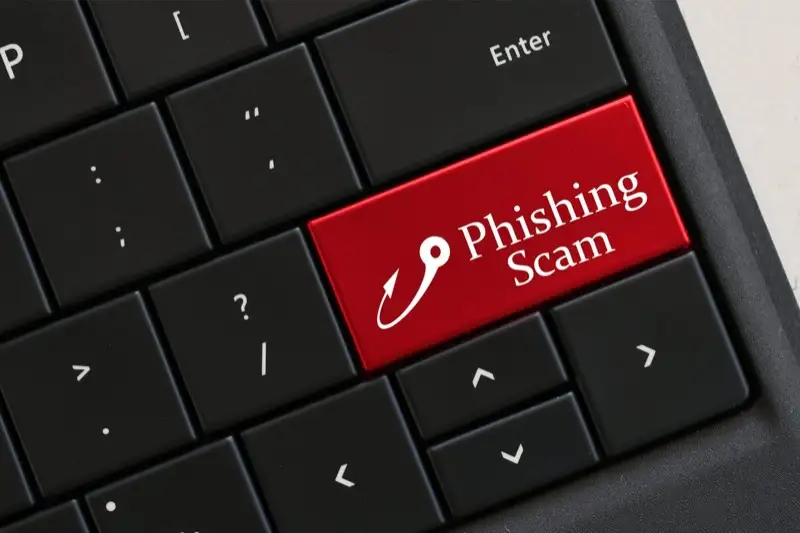
In a widespread and increasingly sophisticated scam, cybercriminals have been using compromised Facebook accounts to send malicious links disguised as genuine messages from friends. This type of social media attack is gaining alarming popularity, with over eight million people viewing just one of the phishing pages so far this year.
How the Scam Works
The attack begins when cybercriminals hack into a Facebook user's account, typically by obtaining their login credentials through a previous phishing campaign, a data breach, or a weak password. Once inside, they do not simply post spam on the victim's timeline. Instead, they use Facebook's messaging system to send personalised messages to everyone on the victim's friends list.
These messages are carefully designed to look like casual, friendly communication. They might say something like "Is this you in this video?" or "Look what I found!" followed by a link. Because the message comes from a real friend's account, most recipients have no reason to be suspicious.
When you click on one of these links, you are directed to a fake Facebook login page. The page looks virtually identical to the real thing, complete with Facebook's branding, colour scheme, and layout. You are asked to enter your email and password to "verify your credentials" or "continue to the content." In reality, any information you type into this page is delivered directly to the cybercriminals.
The Chain Reaction
If you fall for this scam and enter your credentials, the consequences extend far beyond your own account. The cybercriminals will immediately log in to your Facebook account and use it to send the same malicious links to your friends, creating a chain reaction that can spread to thousands of accounts within hours.
It is also important to understand that cybercriminals profit from these attacks in multiple ways:
- Credential harvesting -- stolen usernames and passwords are sold on dark web marketplaces or used to access other accounts where you may have reused the same credentials.
- Ad tracking revenue -- cybercriminals use advertising tracking tools embedded in their fake pages. Every click generates revenue for them, meaning they profit even if you do not enter your password.
- Further attacks -- with access to your account, attackers can study your messages, contacts, and personal information to craft more targeted scams, including spear phishing attacks against your employer or business contacts.
Recognising the Warning Signs
Although these scams are designed to look legitimate, several telltale signs can help you spot them:
- Unexpected messages with links -- if a friend sends you a message containing nothing but a link or a vague prompt ("check this out"), treat it with suspicion, especially if it is out of character for them.
- Urgency or curiosity bait -- messages designed to provoke an immediate emotional reaction ("OMG is this really you?!") are a classic social engineering tactic.
- Suspicious URLs -- before clicking any link, hover over it to inspect the URL. Genuine Facebook pages will always use the facebook.com domain. Watch for misspellings, extra characters, or entirely different domains.
- Unexpected login prompts -- if you are already logged in to Facebook but are asked to log in again after clicking a link, you are almost certainly on a fake page.
How to Stay Safe
Follow these tips to protect yourself from phishing messages on social media:
- Hover over links before you click. Watch out for links that are suspiciously long or that show a domain different from the website you expect to visit. If the URL contains random characters or an unfamiliar domain, do not click it.
- Verify suspicious messages through another channel. If you receive a suspicious Facebook message, reach out to your friend by email, text message, phone call, or another app. If they did not send the message, let them know their account has been compromised and advise them to change their password immediately. Do not reply to the suspicious message itself.
- Enable two-factor authentication (2FA). Adding a second layer of verification to your Facebook account means that even if an attacker obtains your password, they cannot log in without the additional code from your phone or authenticator app.
- Use strong, unique passwords. Never reuse the same password across multiple platforms. A password manager can help you generate and store complex passwords for each of your accounts.
- Stay informed about current scams. Knowledge is one of the most powerful tools against cybercriminals. The more you know about how scams operate, the less likely you are to fall victim.
Protecting Your Business Presence on Social Media
For businesses that maintain a Facebook page or other social media profiles, a compromised account can damage your reputation and erode customer trust. Ensure that all team members with admin access use strong passwords and have 2FA enabled. If your business website is connected to your social media profiles, keeping your site secure with proper SSL certificates and regular website maintenance helps protect your broader digital presence. For guidance on securing your business against evolving social engineering threats, explore Faciotech's consulting and advisory services.
Stop, look, and think. Don't be fooled by the scammers.