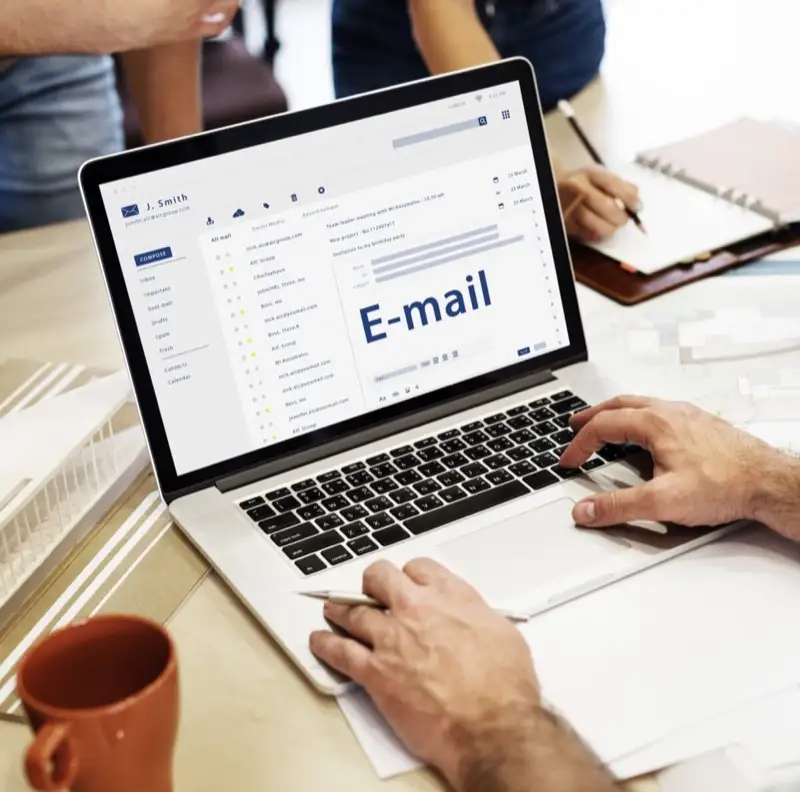
Using a free email like mybusiness2024@gmail.com looks unprofessional and hurts customer trust. A branded email address like info@yourbusiness.com is one of the simplest yet most impactful upgrades you can make for your business credibility. In Ghana's competitive market, where first impressions increasingly happen online, a professional email signals that you are an established, trustworthy business — not a temporary operation that could disappear tomorrow.
Why Professional Email Matters
- Trust: Customers are more likely to open and respond to emails from a branded domain than a generic Gmail or Yahoo address. Research shows that emails from custom domains have higher open rates and lower spam report rates.
- Professionalism: It shows you are an established business that has invested in its online presence. A branded email is often the first thing potential clients notice when you reach out, and it sets the tone for the entire business relationship.
- Brand Consistency: Every email you send reinforces your brand name. Whether it is a sales enquiry, a customer support reply, or an invoice, your domain name appears in the recipient's inbox dozens of times — all free brand exposure.
- Deliverability: Branded emails with proper authentication records are less likely to end up in spam folders. Email providers give more trust to messages from verified custom domains than from free email services.
- Team Scalability: As your team grows, you can create role-based addresses (sales@, support@, accounts@) that persist even when staff change. With free email accounts, addresses are tied to individuals, creating continuity problems.
What You Need
- A registered domain name (e.g., yourbusiness.com or yourbusiness.com.gh) — see our .com.gh domain guide for Ghana-specific options.
- Web hosting with email hosting included, or a dedicated email hosting service.
- Access to your domain's DNS settings to configure the necessary records.
Option 1: Email Through Your Hosting Provider
Most hosting providers include email hosting with your plan at no additional cost. This is the most affordable route and works well for small businesses that need basic email functionality. Here is how to set it up:
- Log in to your hosting control panel (cPanel, DirectAdmin, or similar).
- Navigate to "Email Accounts" or "Mail."
- Click "Create" and enter your desired address (e.g., info@, sales@, support@).
- Set a strong password — at least 12 characters with a mix of letters, numbers, and symbols.
- Configure your email client (Outlook, Thunderbird, or Apple Mail) using the IMAP/SMTP settings provided by your host, or access your email via webmail from any browser.
The main limitation of hosting-bundled email is that storage, sending limits, and spam filtering are typically more basic than dedicated solutions. For a sole trader or a small team, however, it is usually more than sufficient.
Option 2: Google Workspace or Microsoft 365
For businesses that need advanced features like shared calendars, video conferencing, large storage quotas, and enterprise-grade security, Google Workspace (from $6 per month per user) or Microsoft 365 (from $6 per month per user) are excellent options.
Both platforms offer familiar interfaces — Gmail for Google Workspace and Outlook for Microsoft 365 — along with productivity suites (Google Docs/Sheets or Word/Excel), cloud storage, and collaboration tools. The investment pays for itself in productivity gains alone.
Setup involves adding MX records to your domain's DNS, which tells email servers where to deliver mail for your domain. Your provider will supply the specific records to add. If your hosting and domain are managed by the same provider, this process is typically simpler. Choose the right hosting from our best hosting providers guide to ensure seamless integration.
Essential Email Addresses to Create
- info@ — General enquiries and your default public-facing address.
- sales@ — Sales and pricing requests, keeping commercial conversations organised.
- support@ — Customer support, ideally connected to a ticketing system for tracking.
- admin@ — Administrative matters, domain verifications, and service registrations.
- accounts@ or billing@ — Invoices, payments, and financial correspondence.
Even if you are a one-person operation, creating these role-based addresses makes your business appear larger and more organised. You can forward them all to a single inbox if needed, but having distinct addresses for different functions improves how customers perceive your business.
Do Not Forget: SPF, DKIM, and DMARC
These three DNS records are critical for email security and deliverability, yet many businesses overlook them entirely:
- SPF (Sender Policy Framework): Specifies which servers are authorised to send email on behalf of your domain. Without it, spammers can forge your address.
- DKIM (DomainKeys Identified Mail): Adds a digital signature to your outgoing emails, verifying they have not been tampered with in transit.
- DMARC (Domain-based Message Authentication, Reporting, and Conformance): Tells receiving servers what to do with emails that fail SPF or DKIM checks — reject them, quarantine them, or let them through.
Together, these records verify that emails from your domain are legitimate, prevent spoofing, and dramatically improve your deliverability rates. Ask your hosting provider or IT consultant to help you set these up — the process involves adding TXT records to your domain's DNS and usually takes less than 30 minutes.
Migrating from Free Email
If you have been using a free email address for business, transitioning to a professional one does not mean losing your existing correspondence. Most email clients allow you to import messages from your old account and set up forwarding so that emails sent to your old address are automatically delivered to your new one. Update your email address on your website, social media profiles, business directories, and any printed materials. Inform your key contacts about the change, and consider adding a note to your old account's auto-reply directing senders to your new address.
Need help setting up professional email? Contact Faciotech — we can have your branded email running in under an hour, complete with SPF, DKIM, and DMARC configuration for maximum deliverability.