

AI chatbots have moved from “nice experiment” to serious front-office infrastructure. In 2026, a small business website is no longer just a brochure; it is often the first sales desk, support desk, booking desk, and qualification desk a customer meets. If that website cannot answer common questions, capture the right lead details, and route complex conversations to a person, the business loses opportunities before anyone on the team notices.
This guide is written for business owners and operations teams who want the benefits of AI support without turning their customer experience into a robotic dead end. It combines what current high-ranking chatbot guides cover — tool comparison, 24/7 response, lead capture, integrations, pricing, and privacy — with the practical decisions small businesses in Ghana and similar markets need to make: WhatsApp, web chat, CRM ownership, staff handoff, language, and trust.
What an AI chatbot should actually do
A useful chatbot is not just a pop-up that says “How can I help?” It should reduce the number of repetitive questions your team answers, help serious buyers take the next step, and make sure no conversation disappears into someone’s phone. At minimum, it should answer frequently asked questions from approved business content, collect lead details, qualify the request, create or update a CRM record, and hand the visitor to a human when the question is sensitive, emotional, technical, or commercial.
Google Cloud describes AI chatbots as systems that can improve customer experience by using business content and data to support customers at scale. That matters because the best chatbot is not trained on vague internet answers. It is grounded in your services, policies, opening hours, product details, support rules, and escalation paths.
Why this is timely in 2026
Customer expectations have shifted. Buyers are used to instant messaging, same-day replies, and self-service answers. A visitor who asks about pricing, delivery, support, or availability does not want to wait two days for a callback. At the same time, many small teams cannot hire full-time support coverage across web, email, WhatsApp, Instagram, and phone.
Current customer-service trend reporting from Salesforce and Shopify keeps pointing in the same direction: AI-assisted service is becoming normal, but the strongest implementations combine automation with human judgment. The opportunity for small businesses is not to replace people. It is to remove low-value repetition so people can focus on sales, exceptions, relationships, and delivery.
The four channels to plan before choosing a tool
Most articles about AI chatbots rank tools first. That can be useful, but channel design should come first. A business that gets most inquiries through WhatsApp needs a different setup from a SaaS company where users log into a web portal.
Website chat is best for visitors already reading a service page, pricing page, article, or product page. It should answer page-specific questions and guide the visitor to a form, booking, quote request, or support route.
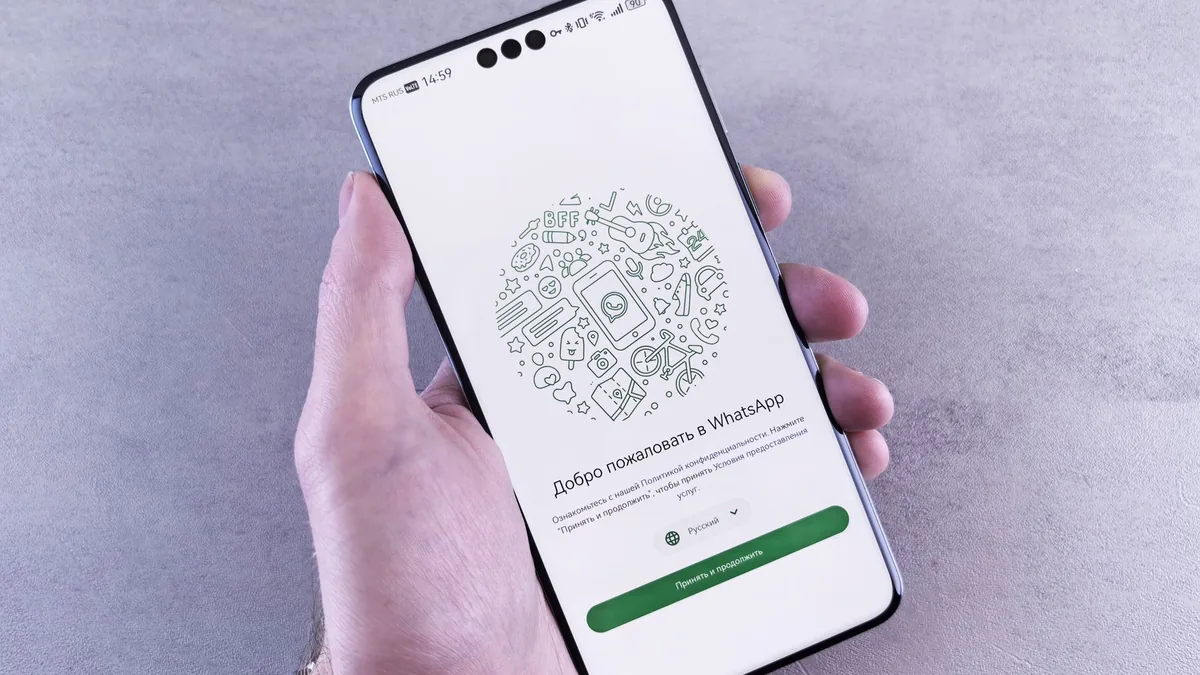
WhatsApp Business is critical in markets where customers prefer messaging over email. It is excellent for quick follow-up, document requests, appointment reminders, delivery updates, and relationship-driven support. The risk is that conversations become invisible if they live only on a staff member’s phone.
Email still matters for formal support, invoices, quotes, approvals, and documentation. A good support system should convert chatbot conversations into email or ticket records when the issue needs a trail.
CRM or client portal is where the business should keep the source of truth. If a chatbot answers questions but never records the lead, owner, next step, and status, it creates activity without accountability.
Features that matter more than hype
Current top-ranking chatbot guides tend to repeat long feature lists. The practical shortlist is smaller. First, the chatbot must support knowledge-base grounding so it answers from your approved content. Second, it must support human handoff through the channel your team can actually monitor. Third, it must capture structured data such as name, email, phone, company, service interest, urgency, and consent. Fourth, it must integrate with your CRM or at least send clean records into a workflow. Fifth, it must provide analytics showing missed questions, handoff volume, resolution rate, and conversion.
Natural language ability is important, but it is not enough. A chatbot that talks beautifully and creates no record is not an operations system. A chatbot that creates records but cannot escalate properly will frustrate customers. The best small-business setup balances conversation quality with workflow discipline.
Human handoff is not optional
Every AI support system should know when to stop. It should hand off when the visitor asks about refunds, legal terms, data deletion, billing disputes, complex technical failures, security incidents, custom pricing, or emotionally charged complaints. It should also hand off when confidence is low or when the visitor asks for a person.
The handoff message should be honest. Do not pretend a person is present if no one is watching. A better pattern is: “I’m going to pass this to our team. Please leave your email or WhatsApp number, and we’ll reply with the next step.” This protects trust and avoids the common chatbot mistake of trapping people in loops.
Pricing: what small businesses should expect
Pricing varies widely because “AI chatbot” can mean anything from a simple FAQ widget to a multichannel automation system. The lowest-cost tools may handle basic website chat. More serious setups charge based on monthly conversations, AI credits, seats, channels, knowledge-base size, or integrations. The hidden cost is usually implementation: cleaning your FAQ, writing escalation rules, connecting forms, mapping CRM fields, and testing answers.
For a small business, the first budget should include setup, monthly software, AI usage, and staff time for reviewing conversations. The better question is not “What is the cheapest chatbot?” It is “How many missed inquiries, repetitive questions, and slow follow-ups can this remove?” If the chatbot captures one extra qualified customer per month, it may pay for itself. If it creates confusion, it costs more than it saves.
Data privacy and security checklist
AI support touches customer data. Before launching, decide what the bot may collect, what it must never collect, where transcripts are stored, who can access them, how long they are retained, and how customers can request deletion. Avoid collecting passwords, full card details, national ID numbers, or sensitive personal information in chat. If the conversation requires sensitive data, route it to a secure portal or verified staff process.
For Ghana businesses, this also connects to broader data protection responsibilities. A chatbot should support clear consent language, secure transport, access control, and auditability. If a vendor cannot explain where data goes or how it is used to train models, treat that as a serious risk.
How to launch in two weeks
Start with a narrow use case. Choose one business goal: capture service leads, answer hosting support questions, book consultations, qualify product inquiries, or deflect common account questions. Do not launch across every department on day one.
Day one to three: collect the top 30 questions your team already answers. Pull answers from your website, proposals, support replies, terms, product pages, and onboarding documents. Rewrite them in plain language.
Day four to six: define lead fields and escalation rules. Decide which questions can be answered automatically and which must create a task or ticket.
Day seven to ten: connect the chatbot to your website, CRM, and notification channel. Test the most common questions, bad spelling, pricing questions, angry complaints, and handoff requests.
Day eleven to fourteen: launch quietly, monitor transcripts daily, improve answers, and measure the first outcomes. Track response time, leads captured, escalations, unanswered questions, and conversion to bookings or tickets.
The Faciotech recommendation
For most small businesses, the right AI chatbot is not a standalone widget. It is a customer workflow: website chat plus WhatsApp follow-up, CRM record creation, clear human handoff, and a knowledge base that the team owns. If you already use scattered inboxes and manual follow-up, fix that process before buying the flashiest AI tool.
Faciotech helps businesses design this as a system: the website captures intent, the AI answers approved questions, the CRM stores the lead, staff see the next action, and customers know when a human is involved. Faciotech.net, our multi-tenant CRM and ERP platform, already includes an AI chat module for client-facing support workflows, so this is not just a theory for us. It is part of the product direction we are building around managed customer operations, AI-assisted replies, and human escalation.
The important point is ownership. A business should not bolt an AI widget onto the website and hope for the best. The AI chat module, knowledge base, CRM fields, staff notification rules, and reporting should belong to the same customer system. That is how AI support becomes useful instead of noisy.
FAQ: AI chatbot decisions for small businesses
Should a small business start with an AI chatbot or a full AI agent?
Start with a chatbot if the main need is answering common questions and collecting contact details. Move toward an AI agent when the system must take approved actions such as creating a ticket, updating a CRM record, booking an appointment, sending a reminder, or escalating a case to the right person.
Can an AI chatbot replace human support?
It should not replace human support for sensitive, urgent, emotional, financial, legal, or high-value conversations. The practical goal is to let AI handle repetitive first-line questions while staff handle judgment, trust, exceptions, and relationship work.
What should be measured after launch?
Track conversations started, qualified leads created, unanswered questions, human handoffs, average response time, bookings, tickets, and conversions. If the bot is not improving one of those numbers, revise the knowledge base or workflow before adding more automation.