

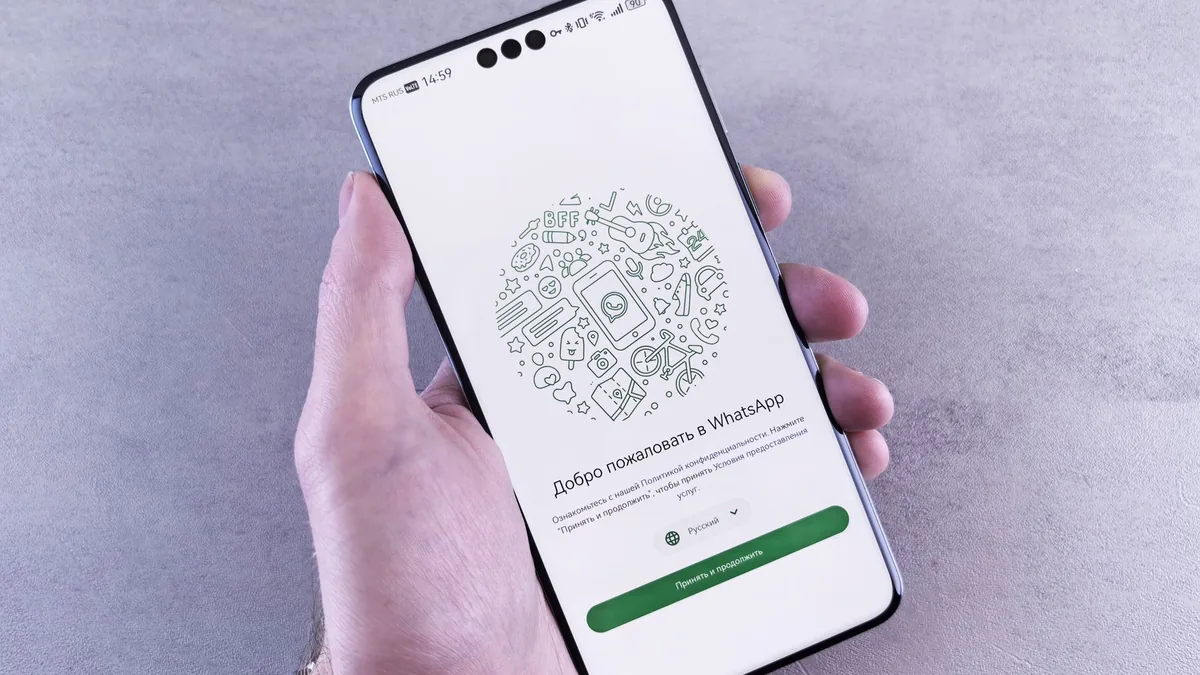
WhatsApp is one of the easiest ways for customers to contact a business. It feels familiar, fast, and personal. That is why many websites add a WhatsApp button and assume the lead problem is solved. The problem is that WhatsApp can also make lead management worse if every conversation lives inside one phone, one staff member’s memory, or a long message thread with no status.
The goal is not just to add WhatsApp to your website. The goal is to connect WhatsApp to a proper lead workflow so every inquiry is captured, qualified, assigned, followed up, and measured.
Why WhatsApp works so well
Customers use WhatsApp because it is low friction. They do not need to learn a new portal or write a formal email. They can ask a quick question, send a screenshot, share a location, or confirm a booking. For service businesses, clinics, schools, real estate teams, ecommerce shops, agencies, and local providers, this speed can improve conversion.
But convenience creates a management risk. If a customer asks for a quote through WhatsApp and nobody records it, the team may forget the follow-up. If three people reply from different phones, the customer gets inconsistent answers. If a staff member leaves, the business may lose customer history. If sensitive data is shared, the business may not have proper controls.
Start with the website journey
Do not place the same generic WhatsApp link everywhere. Match the link to the page intent. On a pricing page, the message can prefill “I want help choosing a plan.” On a service page, it can say “I’m interested in CRM setup.” On a support page, it can say “I need help with my account.” These prefilled messages help your team identify intent quickly.
Use clear calls to action. “Chat on WhatsApp” is fine, but “Ask about this hosting plan on WhatsApp” is better because it sets context. If the page already has a form, explain when to use each option: WhatsApp for quick questions, form for full project requests, portal for account support.
Capture the lead before the conversation disappears
A WhatsApp click is not a lead record by itself. The website should still capture source, page, campaign, and service interest where possible. If you use a form before WhatsApp, keep it short: name, phone, service interest, urgency. If you send visitors directly to WhatsApp, use a CRM workflow or manual intake rule to record the conversation immediately.
At minimum, every WhatsApp lead should become a CRM entry with name, phone number, service interest, source page, owner, next step, and status. Status matters. Without status, you cannot tell the difference between a new inquiry, a quoted lead, a waiting customer, a closed deal, and a dead conversation.
Use auto-replies carefully
WhatsApp Business supports greeting messages and away messages. Use them to set expectations, not to pretend a person is available 24/7. A good greeting says what information the customer should provide and when they can expect a reply. For example: “Thanks for contacting Faciotech. Please send your name, business name, and what you need help with. Our team will respond during business hours.”
If you use AI automation, make sure the bot knows your services, opening hours, escalation rules, and limits. It should not answer billing disputes, passwords, legal questions, or sensitive account issues without a secure handoff.
Build a human handoff rule
Human handoff should be designed before launch. Decide who receives new inquiries, what happens after hours, how urgent requests are escalated, and when a conversation becomes a ticket. If your business has multiple departments, use routing questions: sales, support, billing, project update, technical issue, or partnership.
Never rely only on “someone will see it.” Assign ownership. A lead without an owner is a leak.
Connect WhatsApp to your CRM
The CRM is the memory of the business. WhatsApp is the conversation channel. Keep those roles separate. The CRM should store the customer record, quote history, tasks, notes, status, and next follow-up date. WhatsApp should handle the conversation.
For small teams, this can start manually: staff create or update the CRM record after each WhatsApp conversation. For growing teams, connect WhatsApp through an inbox or automation platform that can create leads, assign conversations, and log transcripts. The right level depends on volume and risk.
Measure the right numbers
Do not measure only the number of WhatsApp clicks. Measure how many became qualified leads, how many received a reply within the target time, how many got a quote, how many converted, and how many were lost because of no response. These numbers show whether WhatsApp is improving sales or just creating more noise.
Protect privacy and customer trust
WhatsApp conversations may include names, phone numbers, screenshots, invoices, addresses, and support details. Set rules for what customers should not send through WhatsApp. Avoid collecting passwords, card details, or sensitive account information. Move those interactions to a secure portal or verified process.
Staff should also know what they can promise in chat. A casual WhatsApp reply can still create customer expectations. Use approved snippets for pricing boundaries, support timelines, refund policies, and escalation messages.
Examples by business type
A clinic can use WhatsApp for appointment questions, directions, opening hours, and document reminders, but medical advice and sensitive records should move to a controlled process. A school can use it for admissions questions, fee reminders, event updates, and parent follow-up, while keeping student records inside the school system. A real estate agency can use it for property inquiries, viewing appointments, and lead qualification, while recording budget, location, and urgency in the CRM. An ecommerce shop can use it for product questions, delivery updates, and returns, but payment confirmation should still be reconciled in the order system.
How to write better WhatsApp prefilled messages
Prefilled messages should tell the team where the visitor came from. A generic “Hello” gives no context. Better messages include intent: “I’m interested in the managed hosting plan,” “I need help with CRM setup,” or “I want a quote for a business website.” Keep the message editable so the customer can add details.
Use different links for different pages where possible. This helps reporting and makes staff replies faster. If your website has analytics, track the button click as an event. If the lead becomes a customer, compare the original source with the final sale so you know which pages produce quality conversations.
Common mistakes to avoid
Do not let WhatsApp become the only record of the customer. Do not share one phone among several staff without ownership rules. Do not let staff negotiate custom promises that are not recorded. Do not ask customers to send passwords, full card details, or confidential files through chat. Do not run broadcast-style promotions without understanding consent and platform rules.
Suggested workflow for the first 30 days
During week one, add page-specific WhatsApp buttons to the highest-intent pages only. Do not place buttons everywhere until you know how staff will handle the messages. During week two, create a shared intake sheet or CRM pipeline with required fields and owners. During week three, add response templates for pricing, support, booking, and unavailable-hours replies. During week four, review every inquiry and identify where leads were lost.
After 30 days, decide whether manual logging is enough or whether the volume justifies a shared inbox, CRM integration, or AI-assisted first response. This staged approach prevents the business from buying automation before the workflow is clear.
Metrics to review every week
| Metric | Why it matters |
|---|---|
| WhatsApp clicks by page | Shows which pages create conversation intent. |
| First response time | Slow replies reduce conversion and trust. |
| Qualified leads | Separates real opportunities from general chatter. |
| Missed follow-ups | Shows whether the team has an ownership problem. |
| Closed customers | Connects the channel to revenue, not vanity activity. |
FAQ: WhatsApp and website leads
Should the website form be removed if WhatsApp is popular?
No. Keep both if they serve different needs. WhatsApp is best for quick questions. Forms are better for structured project requests, support details, and workflows that require required fields.
Can WhatsApp connect to a CRM?
Yes, either manually through staff discipline or through a shared inbox, API integration, or automation layer. The right approach depends on message volume, budget, and how much audit trail the business needs.
What should the first response say?
It should confirm receipt, ask for the minimum details needed, set a response-time expectation, and route urgent or sensitive requests to the correct channel.
Sources and further reading
- WhatsApp Business Platform
- Meta: WhatsApp QR code documentation
- Meta for Developers: WhatsApp Business Platform overview
Simple setup checklist
- Create page-specific WhatsApp links with prefilled messages.
- Define who owns new WhatsApp inquiries.
- Record every lead in the CRM.
- Use greeting and away messages to set expectations.
- Create handoff rules for support, billing, and sensitive issues.
- Review unanswered conversations every day.
- Track conversion from WhatsApp inquiry to customer.
WhatsApp can be one of the strongest conversion channels on your website, but only if it is connected to a system. Treat it as part of your customer workflow, not as a shortcut around one.